Daily learning games that students want to play—and you fully control
Classroom Hero’s daily games are built so you decide which games are on, how many points students earn, and how each game behaves. Fourteen games cover math, literacy, typing, language, logic, memory, geography, money sense, telling time, and fractions—enable any mix per class. One fresh problem or challenge per student per day keeps it fair and focused—no prep, no grading.
Below is how each game works and exactly what you can configure in your class settings.
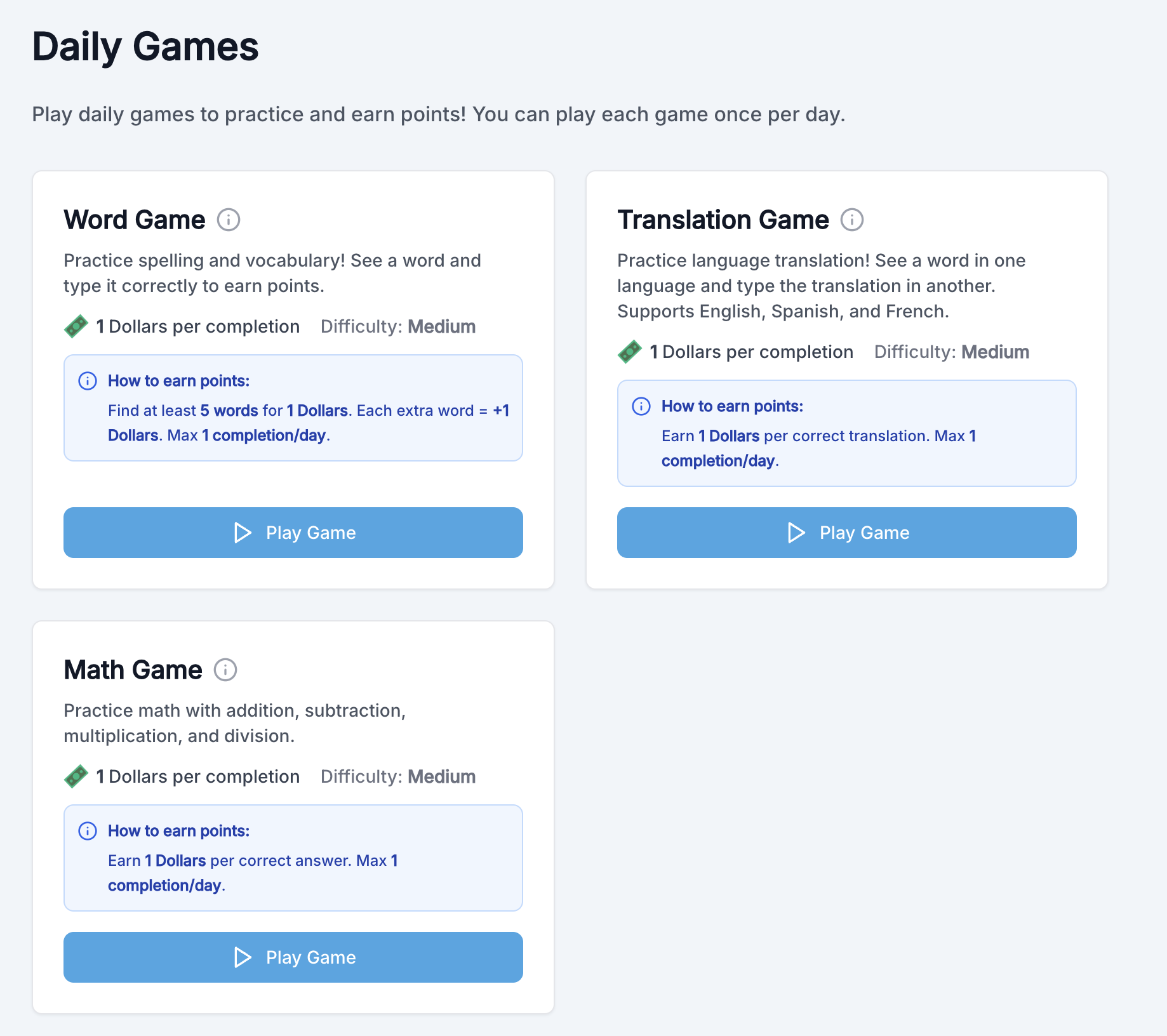
How teachers configure daily games
For every game you turn on, you set:
- ✓ Points per completion — How many class points (or your custom currency) a student earns when they complete the game.
- ✓ Max completions per day — How many times each student can complete that game in a day (e.g. 1, 3, or 5). Prevents gaming the system.
- ✓ Difficulty — Easy, Medium, or Hard, which affects problem/challenge difficulty.
Each game type also has its own options (operations for math, word count and time for word game, languages for translation, pattern length for Atlas Color Pattern, and more). All of this lives in your class’s Daily Games settings.
🔢 Daily Math
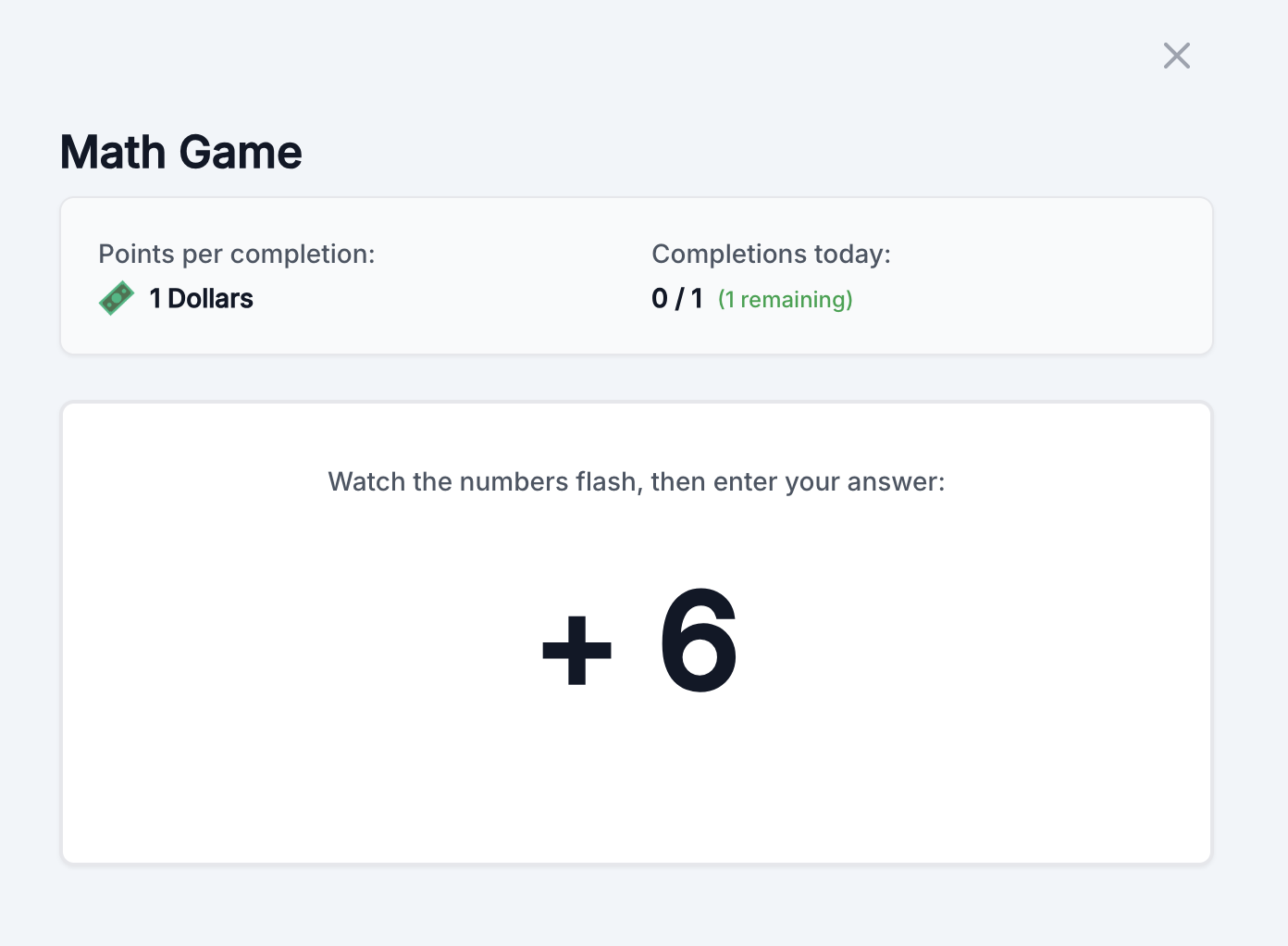
Students see numbers and operations flash one at a time, then calculate the full expression (left to right). One problem per student per day; they can retry until they get it right, then earn the points you set for one completion.
What you configure:
- · Which operations to include: addition, subtraction, multiplication, division (any combination).
- · Number of numbers in the expression (e.g. 5 or more).
- · Points per completion and max completions per day (same as above).
📝 Word game
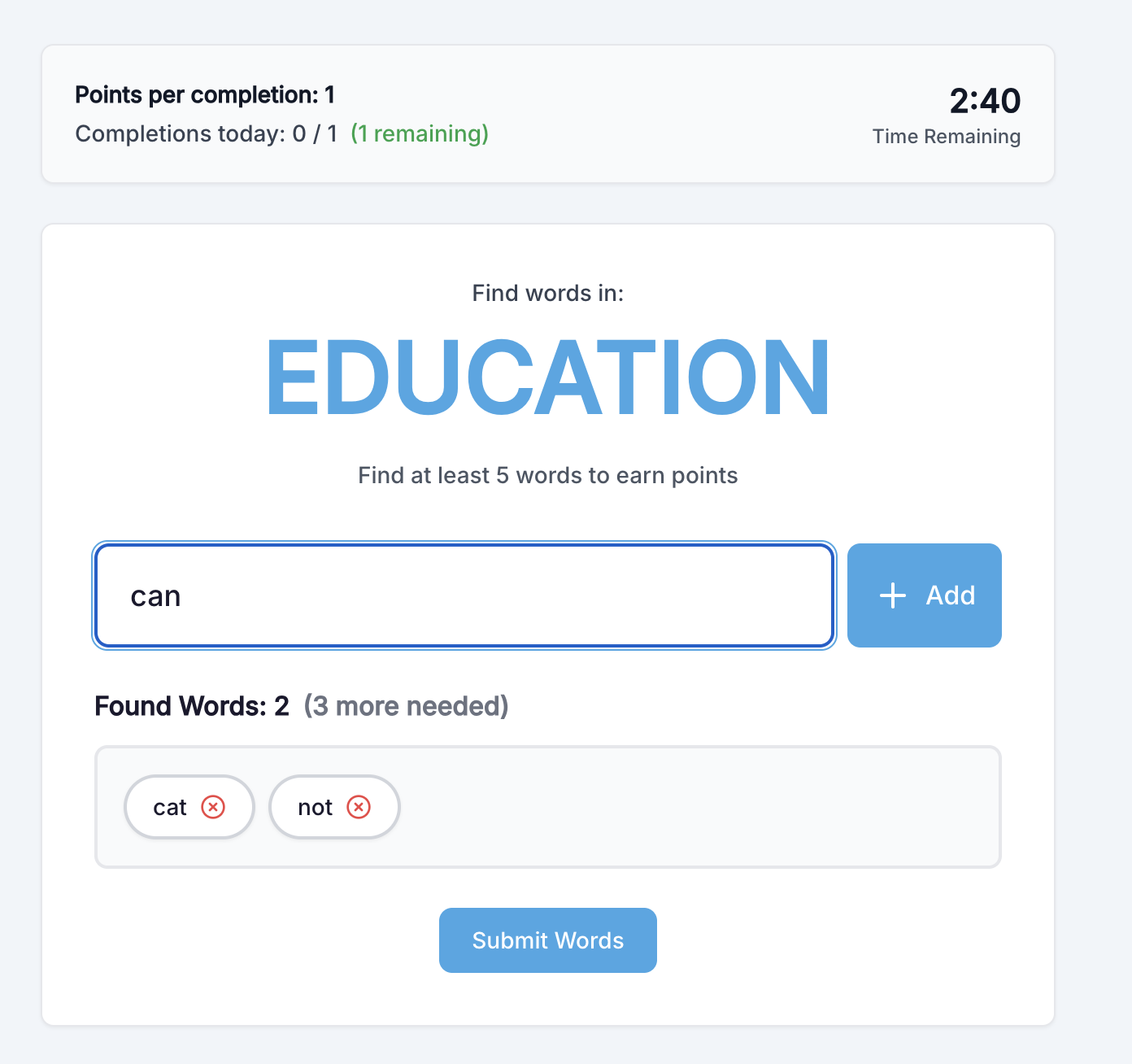
Students get one base word per day and build as many valid words as they can from its letters. You choose how many words they must find to earn the base completion points, and whether each extra word earns additional points. A time limit keeps the round focused.
What you configure:
- · Minimum words to complete — e.g. find at least 5 words to earn the completion points.
- · Points per completion — base points for reaching the minimum; you can also set extra points per additional word (e.g. +1 point per word after the minimum).
- · Time limit — how long students have to find words (e.g. 3 minutes).
- · Max completions per day and difficulty.
🌐 Translation game
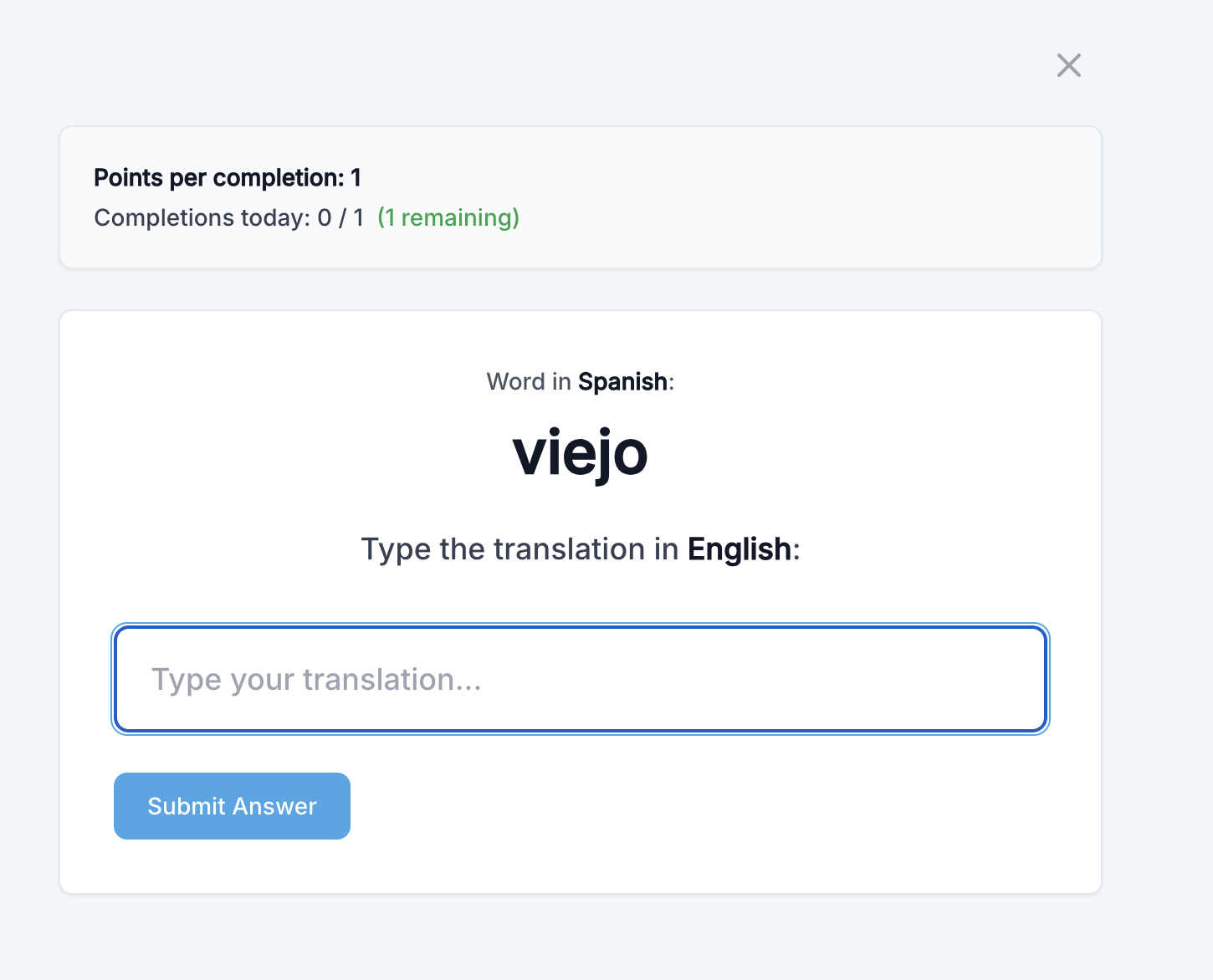
Students see one word or phrase in a “base” language and type the translation in a “practice” language. One prompt per student per day; correct answer earns the points you set. Great for vocabulary and language practice without overwhelming them.
What you configure:
- · Base language — the language students see (e.g. English).
- · Practice language — the language they type (e.g. Spanish, French).
- · Points per completion, max completions per day, and difficulty (which affects word choice and complexity).
🎯 Odd One Out
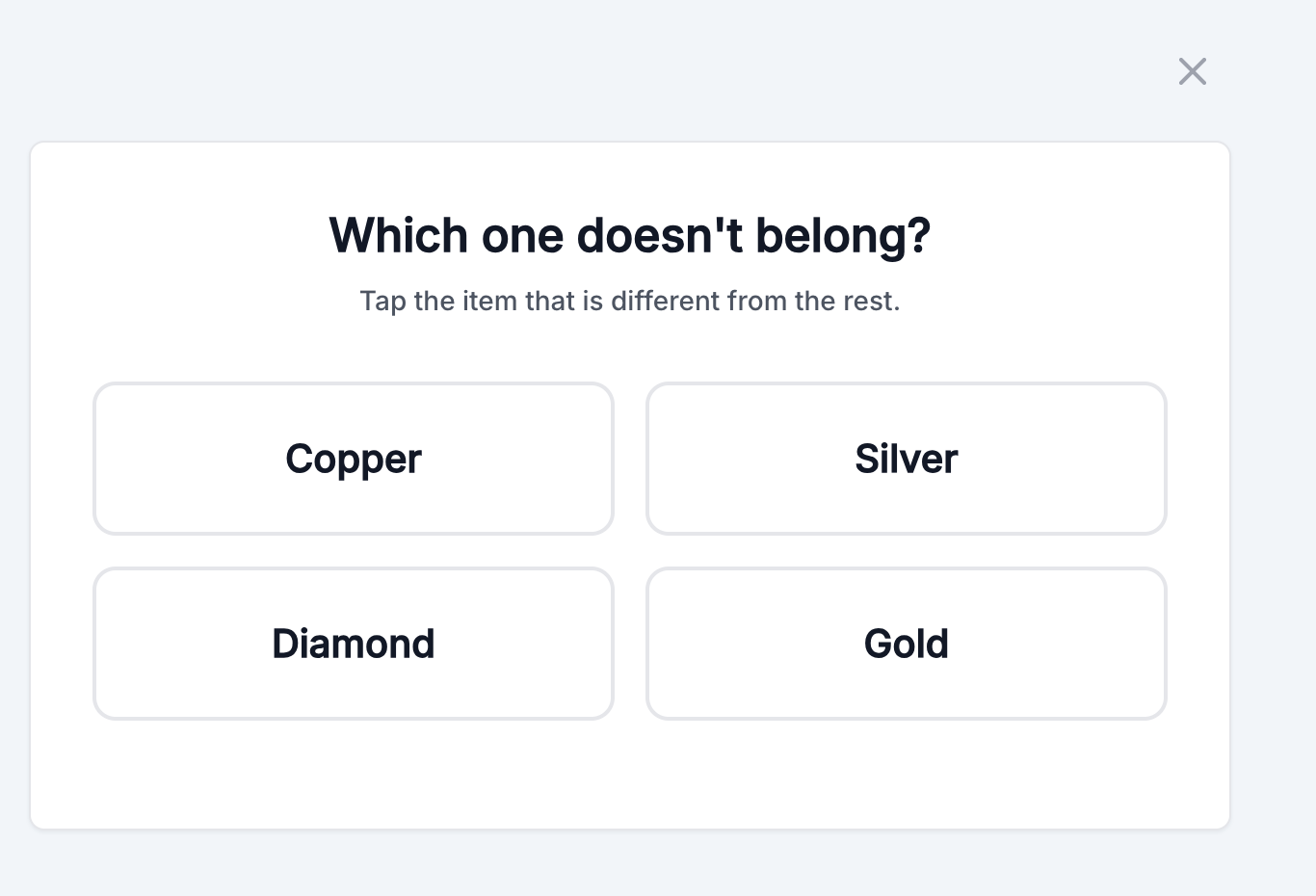
Students see four related terms and tap the one that does not belong. Difficulty scales from familiar categories to academic vocabulary.
🧠 Next in the Sequence
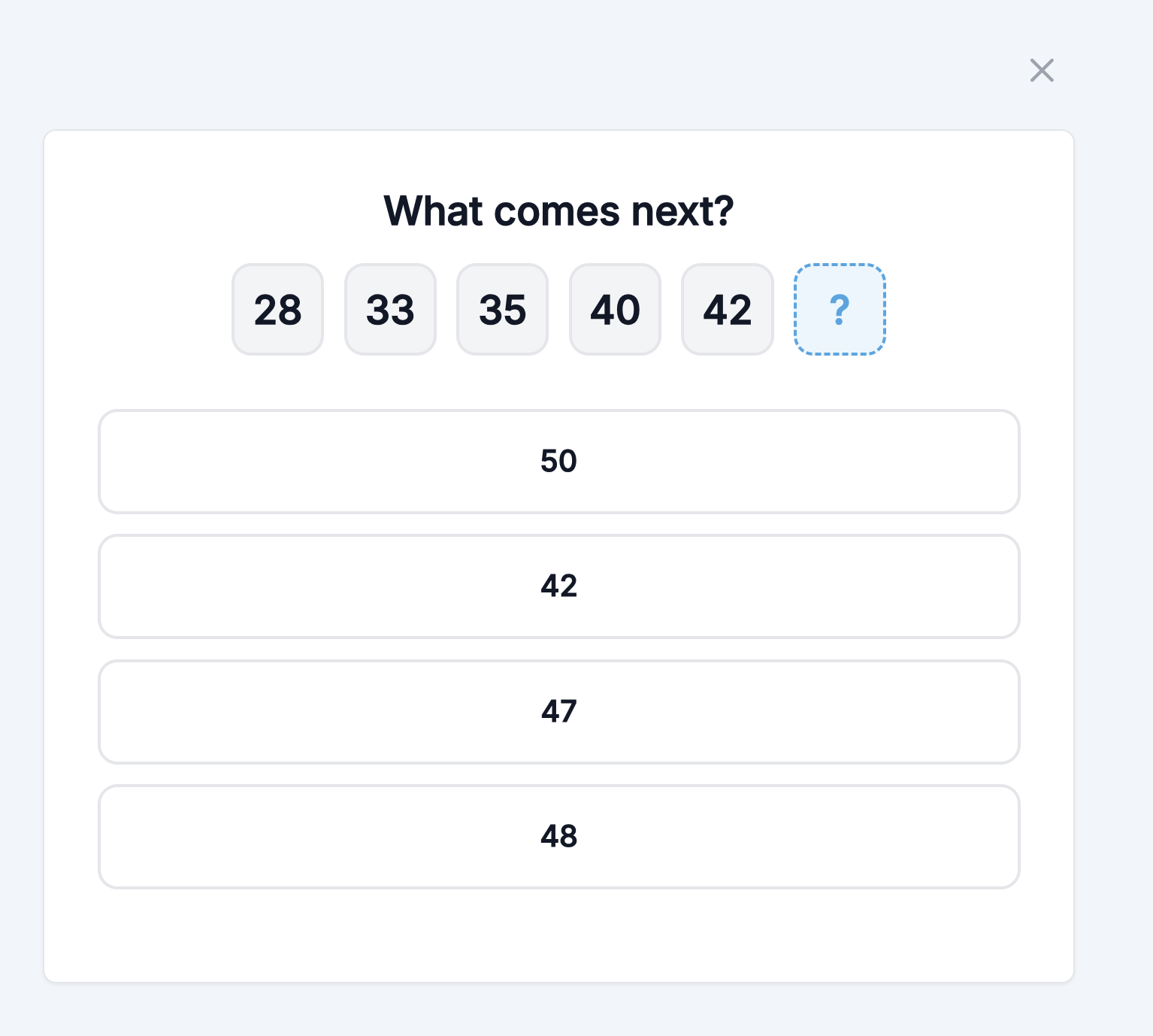
Students see a number or letter pattern and choose what comes next—skip counting, arithmetic steps, and harder sequences.
🔢 Alphabet Math
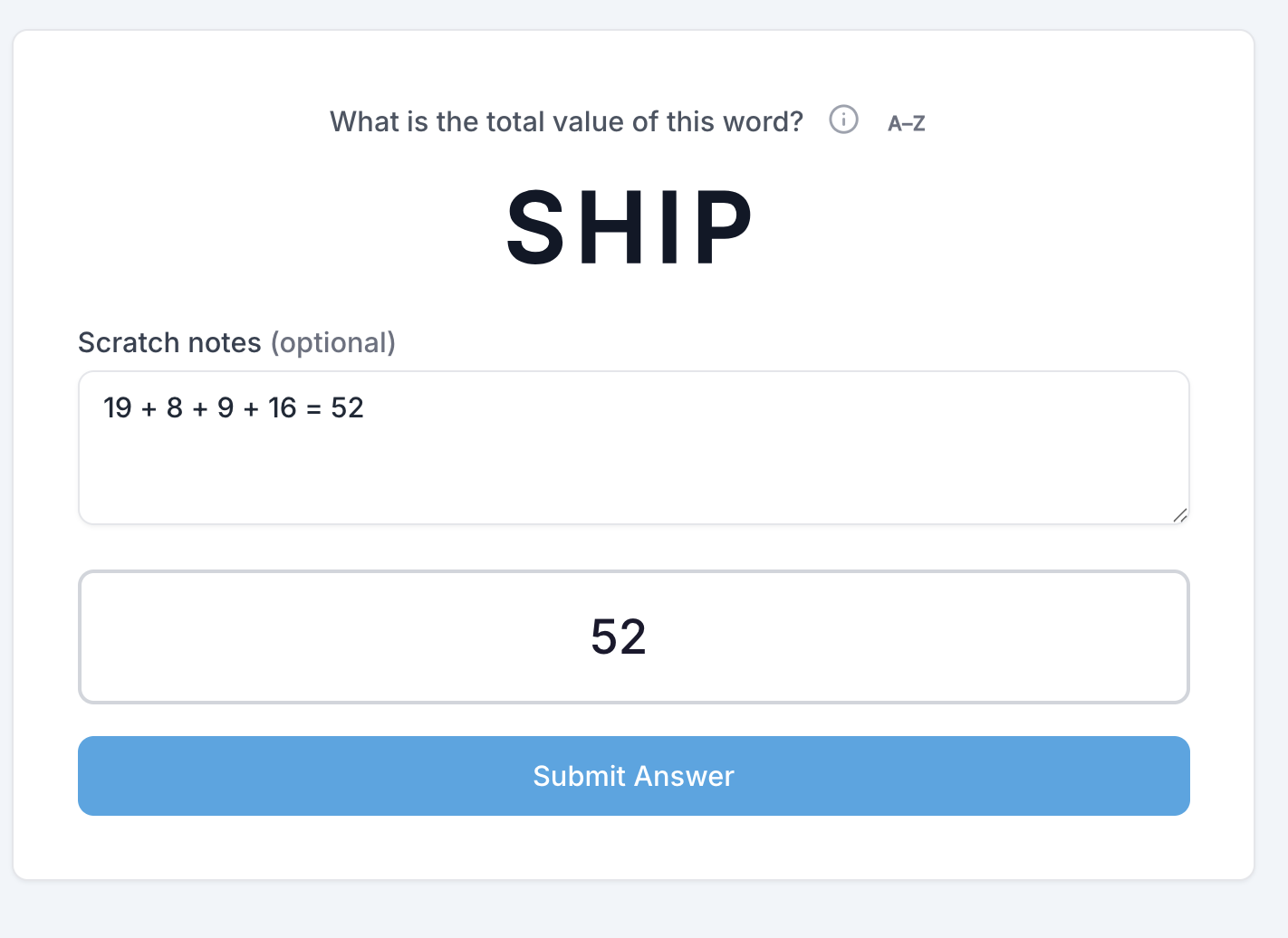
Every letter equals a number (A=1 through Z=26). Students add letter values in a word to find the total.
📊 Bigger or Smaller
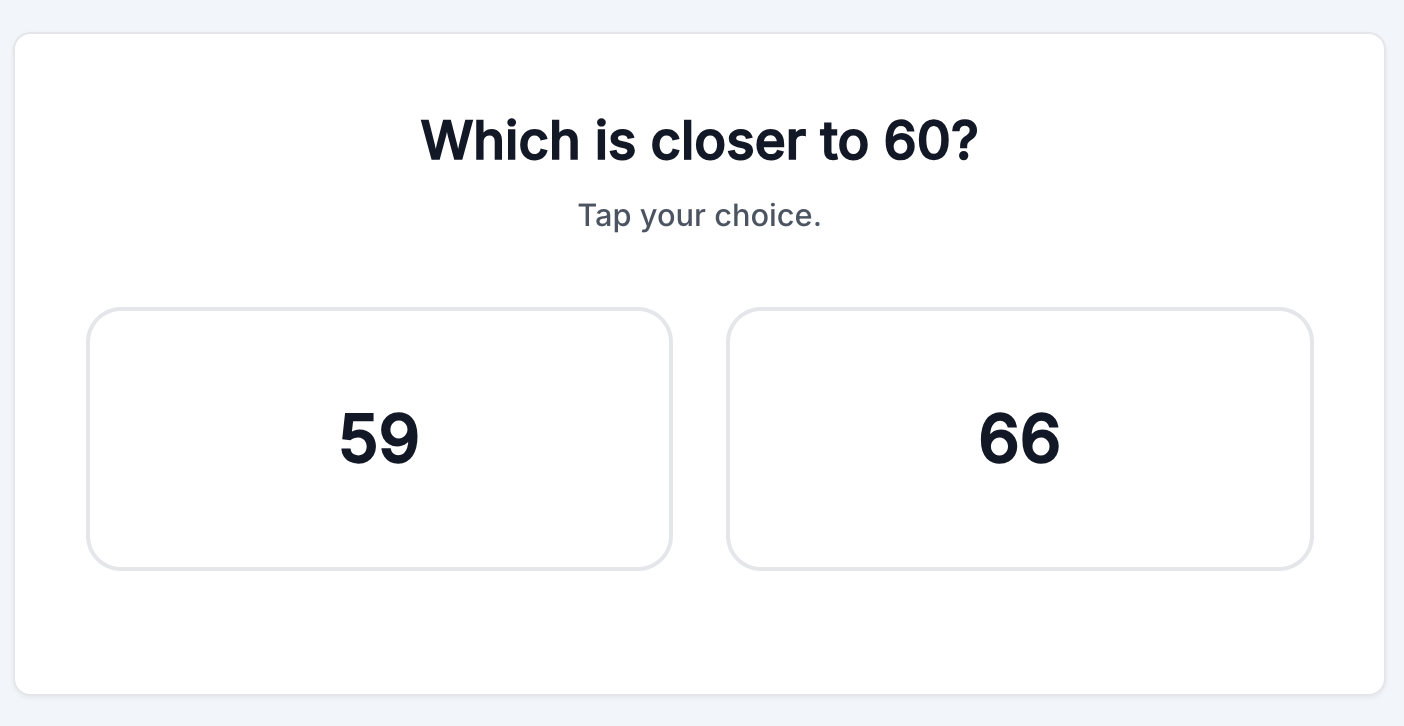
Quick comparison practice: students decide which number or quantity is bigger or smaller.
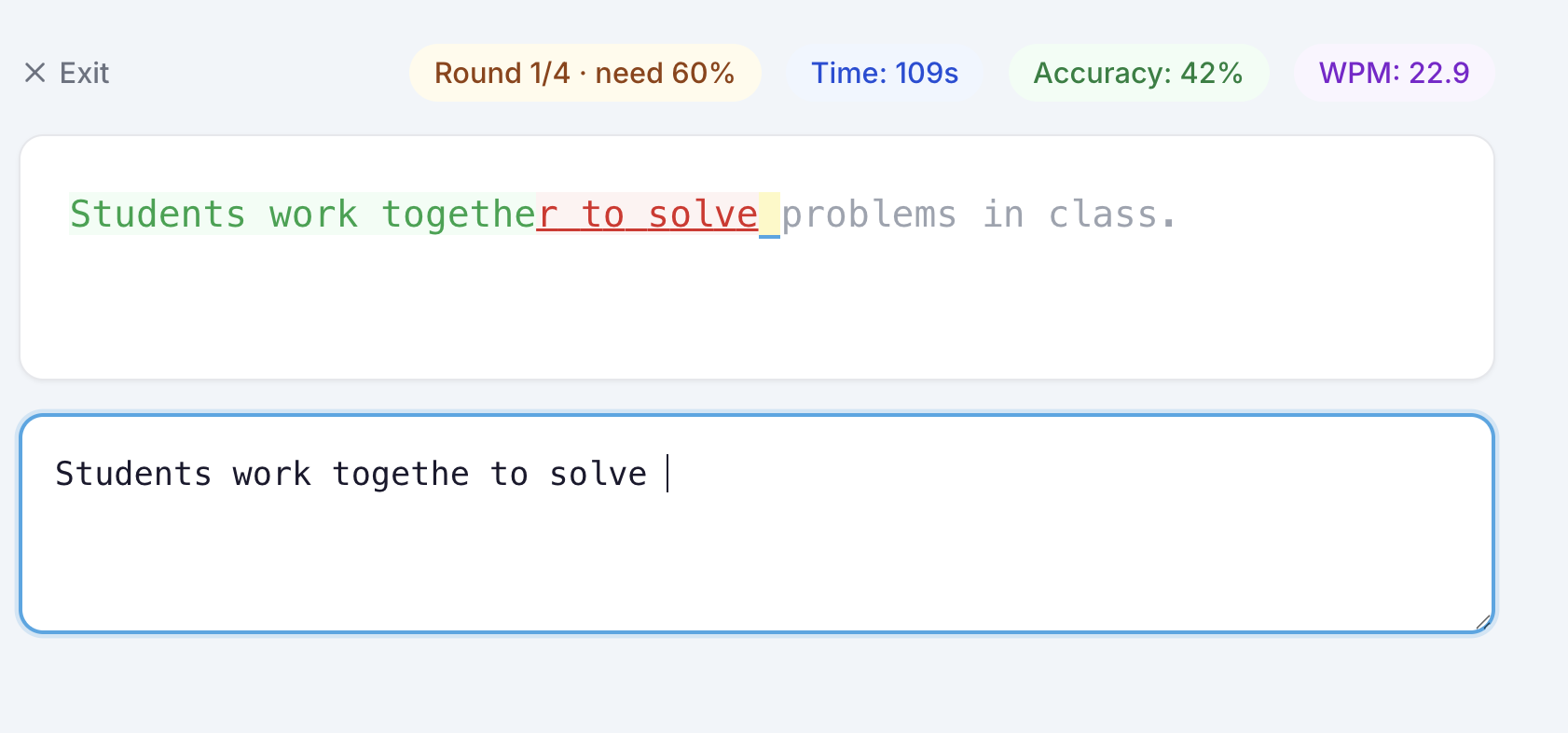
⌨️ Daily Typing
Students type a passage against a timer with accuracy and optional WPM goals you configure.
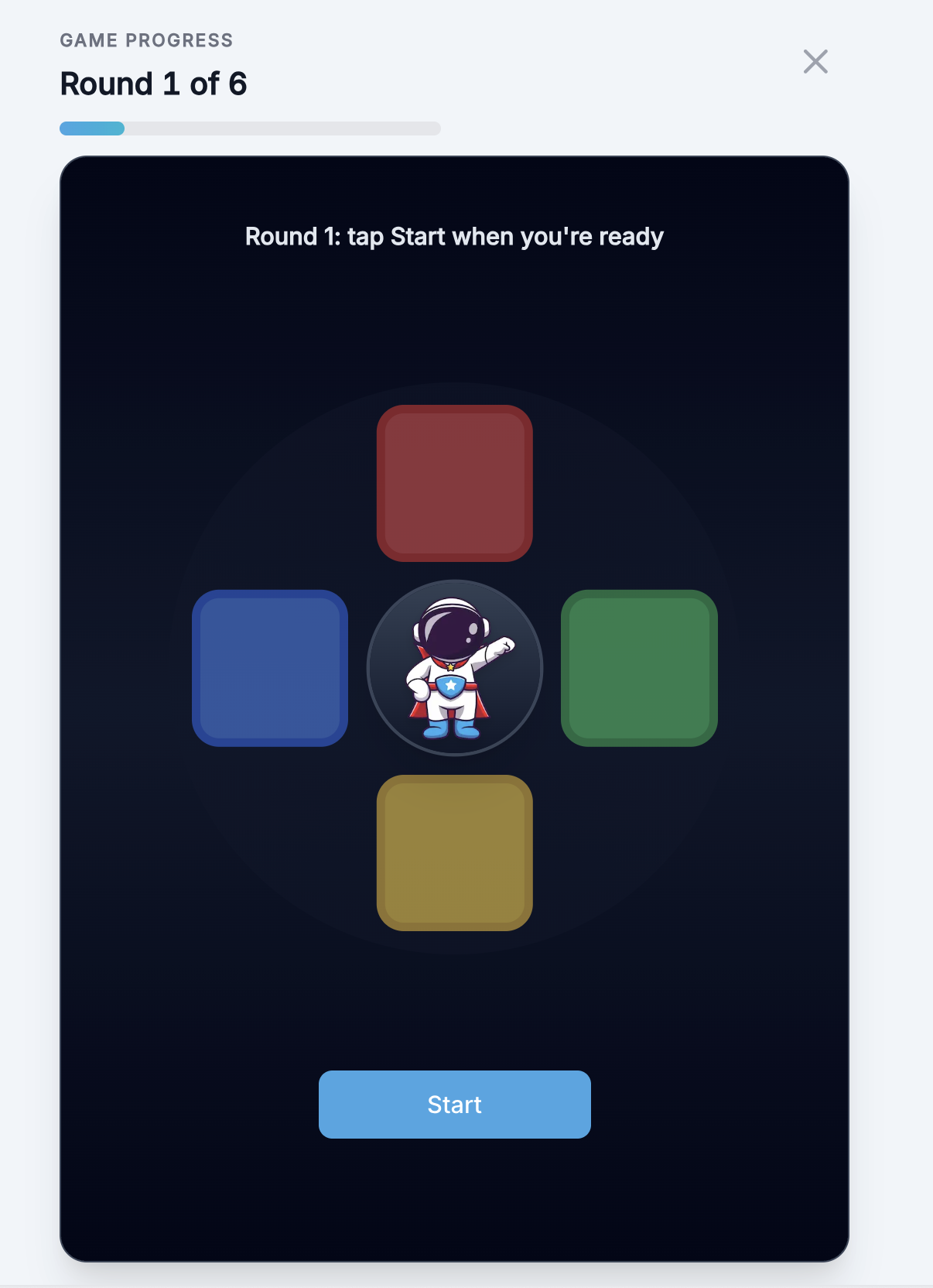
🧨 Atlas Color Pattern
Atlas flashes color patterns across four panels; students repeat the sequence. You set max pattern length and retry rules.
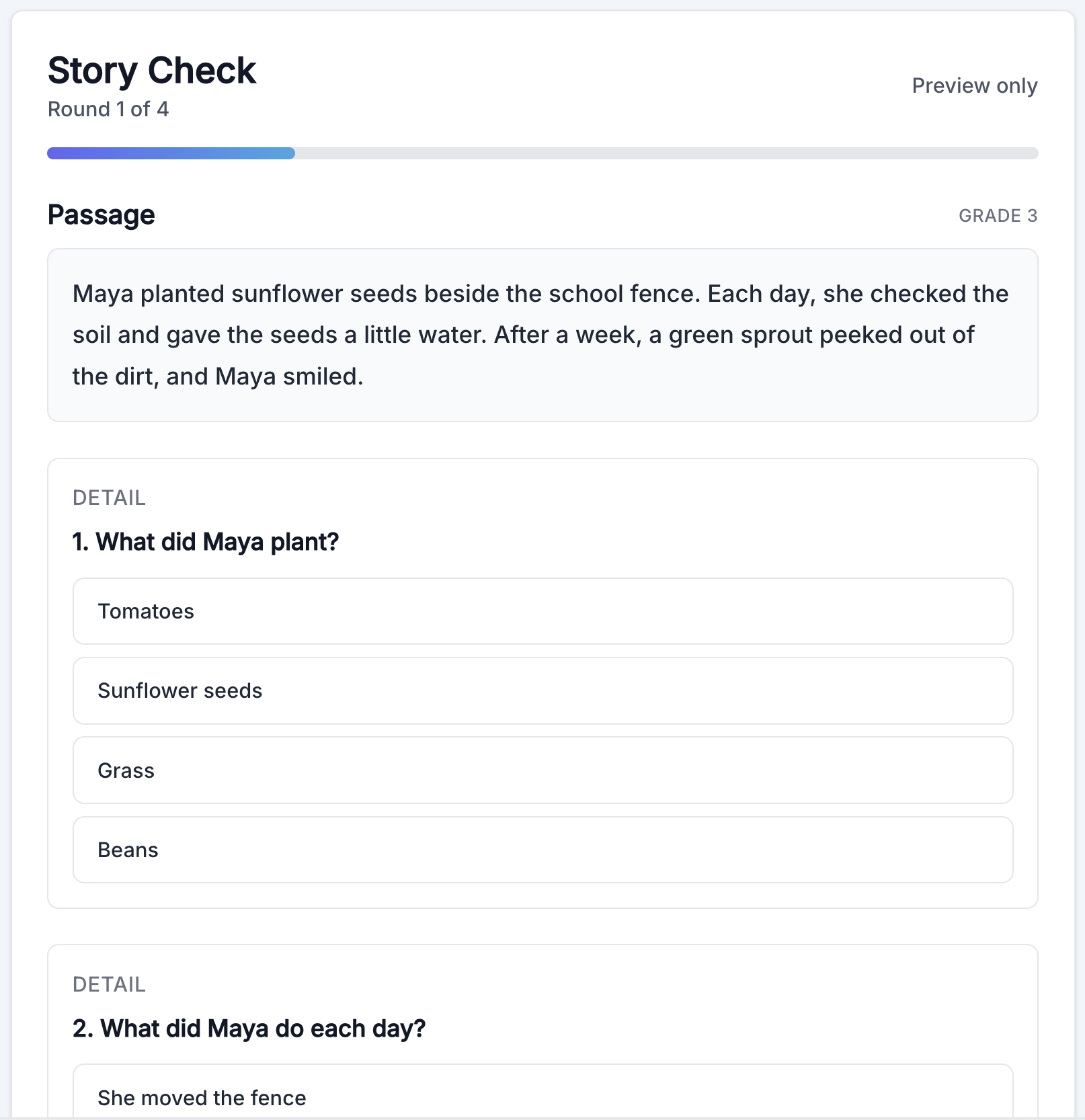
📖 Story Check
Students read a passage, then answer comprehension questions across rounds—fresh passages keep practice thoughtful.
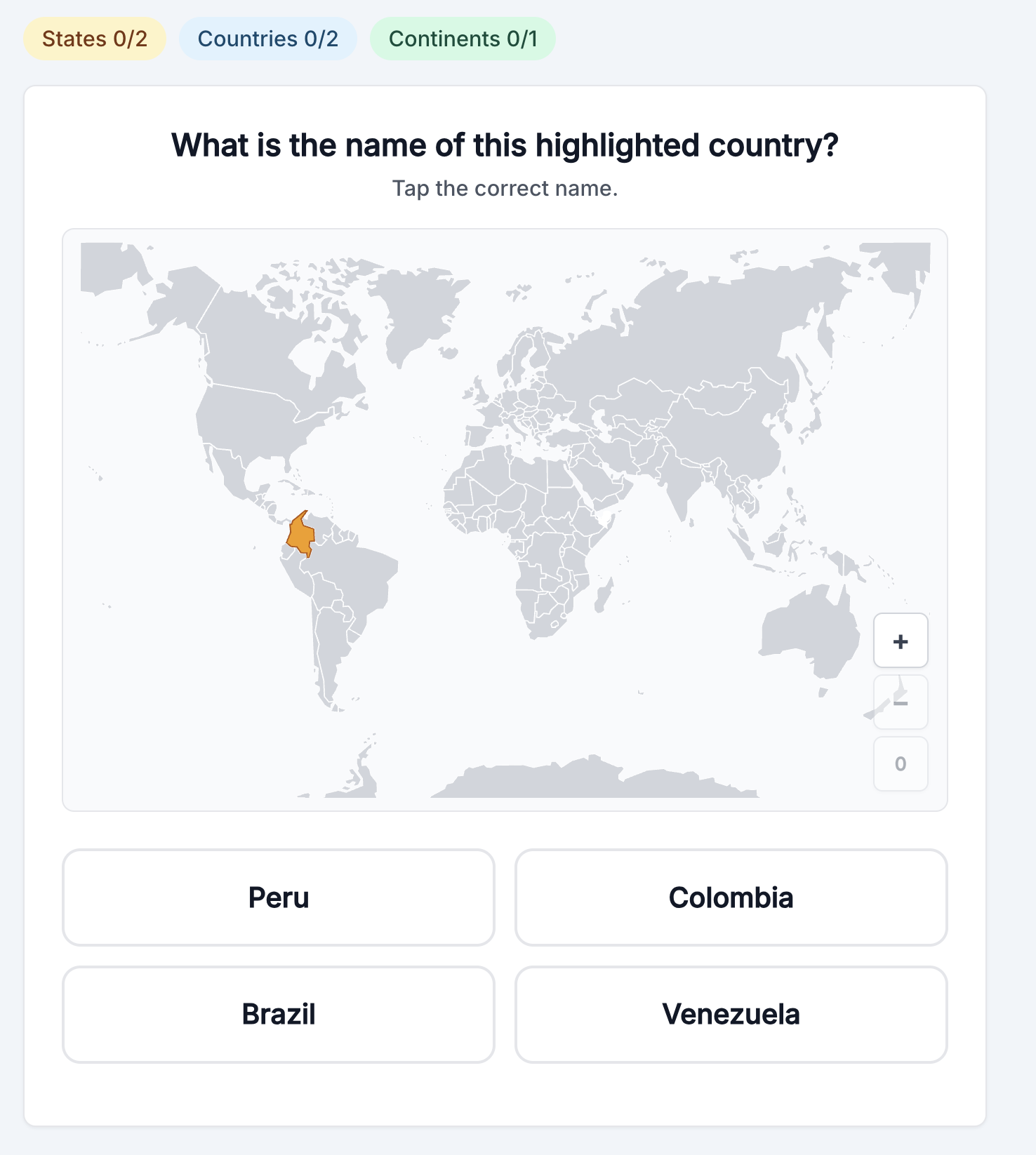
🗺️ Geography
Students name highlighted places on a map: two US states, two countries, and one continent (you can turn region types on or off in settings).
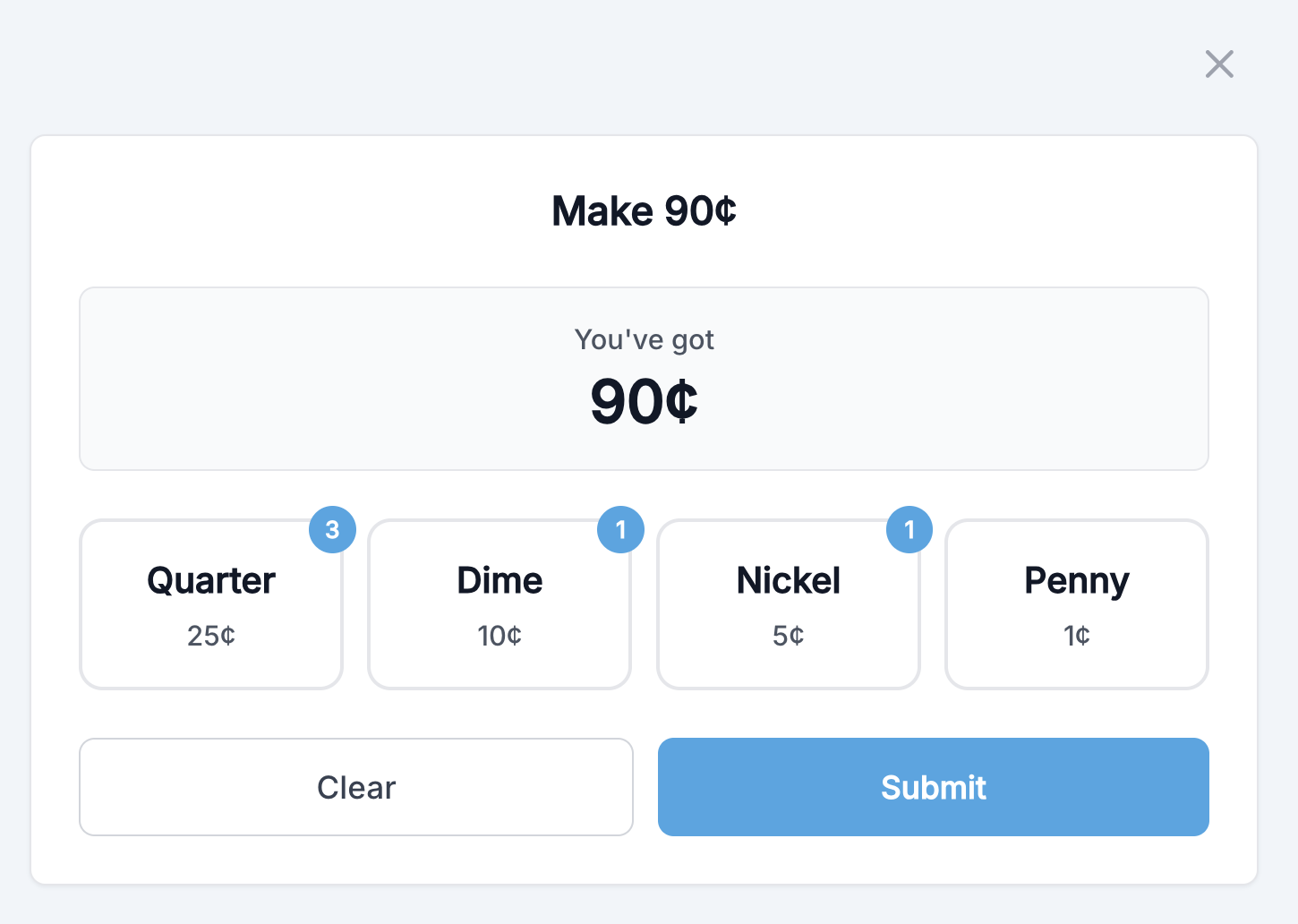
🪙 Make Change
Students tap coins to make an exact amount or give correct change after a purchase—money sense that ties into your class currency.
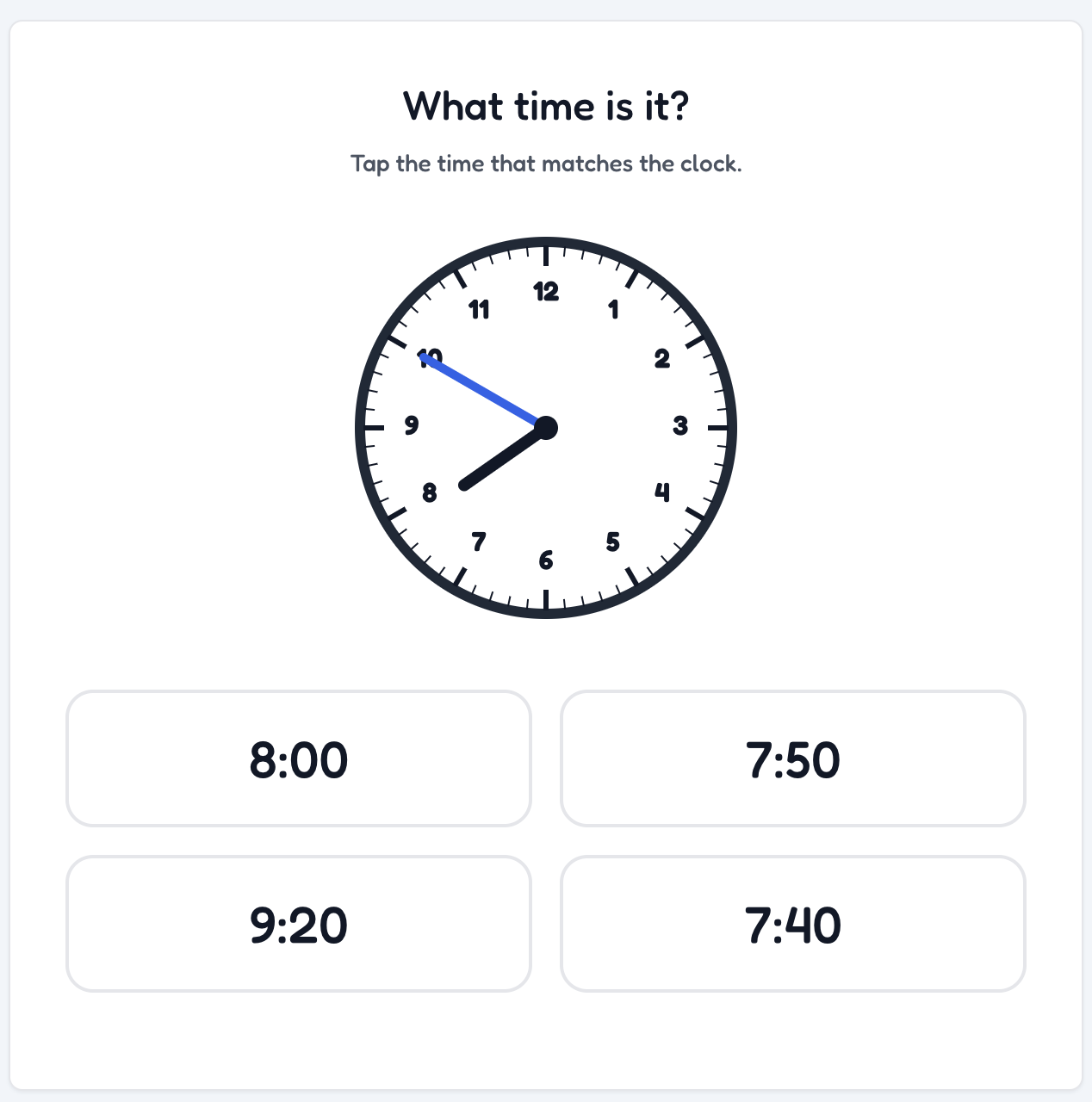
🕐 Tell Time
Students read an analog clock and tap the matching digital time.
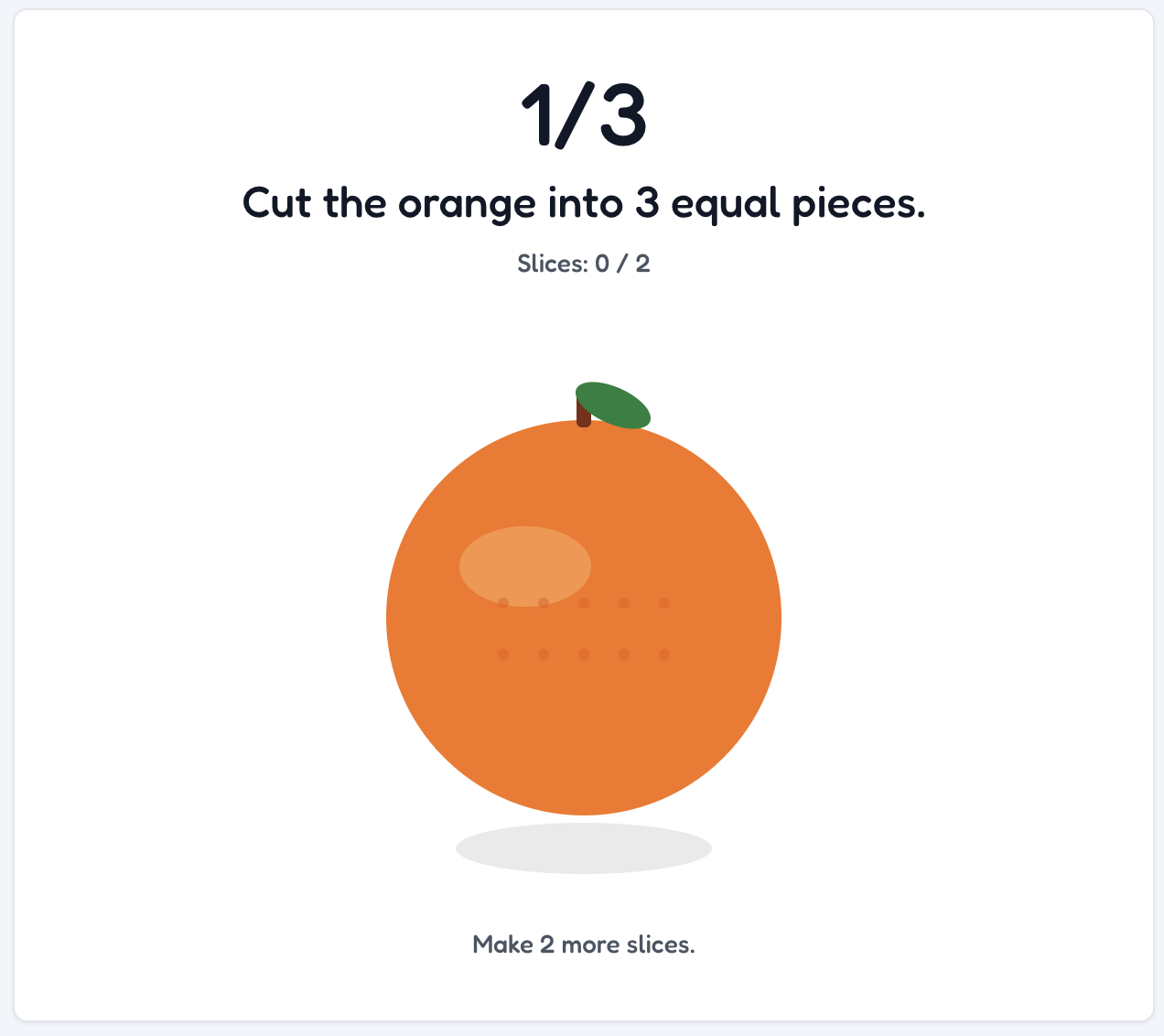
🍎 Fruit Fractions
Students drag through fruit to slice it into halves, thirds, or fourths.
Why daily games fit your class
- ✓ Fourteen games to mix and match—enable only what fits your class goals. You control how many times per day students can complete each game, so it stays fair and doesn’t replace instruction.
- ✓ Points use your class currency and tie into your existing Classroom Hero rewards and goals.
- ✓ One problem or challenge per student per day means no extra grading and no “race to finish” — just consistent practice.